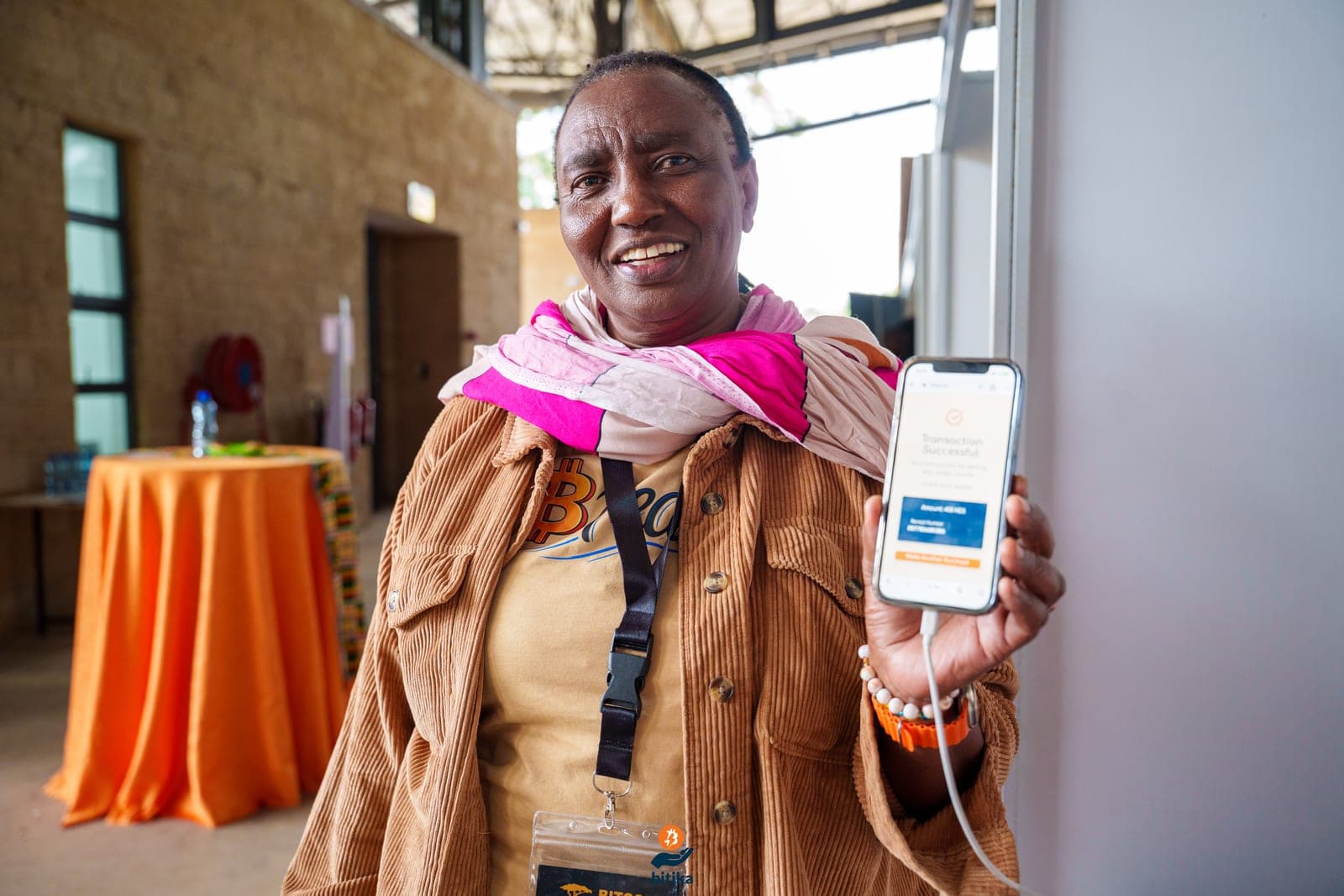
Bitika turns your M-Pesa or Airtel Money into Bitcoin and sends it straight to your own wallet over the Lightning Network, from as little as KES 10. No exchange account, no sign-up, no KYC for everyday amounts. Here is exactly how to load your wallet with sats.
Before you start: get a Lightning wallet
Because Bitika is non-custodial, you need somewhere for your Bitcoin to land. If you already have a Lightning wallet, skip ahead. If not, download a self-custodial one first, popular options in Kenya include Phoenix, Wallet of Satoshis, Blink and Zeus. Most give you a Lightning address (it looks like an email, e.g. you@walletofsatoshi.com) that you will paste into Bitika. Your keys, your coins.
Buy Bitcoin in 3 steps
- 1
Enter how much you want to spend
Open Bitika at bitika.xyz and tap Buy Bitcoin. Type any amount from KES 10. You instantly see how many sats you'll receive at the live market rate, no account and no sign-up needed.
- 2
Add your Bitcoin Lightning wallet
Paste your Lightning address (like you@walletofsatoshi.com), an LNURL, or a BOLT11 invoice from your own wallet, or scan the QR code. Bitika is non-custodial, so the Bitcoin goes straight to you, never to us.
- 3
Pay with M-Pesa or Airtel and receive
Enter your Safaricom or Airtel number and approve the STK push with your PIN. Your sats land in your wallet in seconds. That is it.
Loading a wallet with a BOLT11 invoice
Prefer to pull sats into a specific wallet? Instead of a Lightning address you can paste a BOLT11 invoice:
- In your wallet, tap Receive and create a Lightning invoice. You can set an amount or leave it as a zero-amount invoice.
- Copy the invoice (the long string starting with
lnbc…) or show its QR. - Paste it into Bitika, or scan the QR. Bitika reads the amount and shows the KES to pay.
- Approve the M-Pesa STK push. Bitika settles the invoice and the sats appear in that wallet.
A few things worth knowing
- It is fast. Sats usually arrive in under two minutes of confirming the STK push.
- You are in control. Bitika never holds your Bitcoin, it settles directly to the wallet you provide.
- Start tiny. Try KES 10 first to see the whole flow, then come back for more.
- M-Pesa and Airtel. Both mobile-money networks work the same way.